
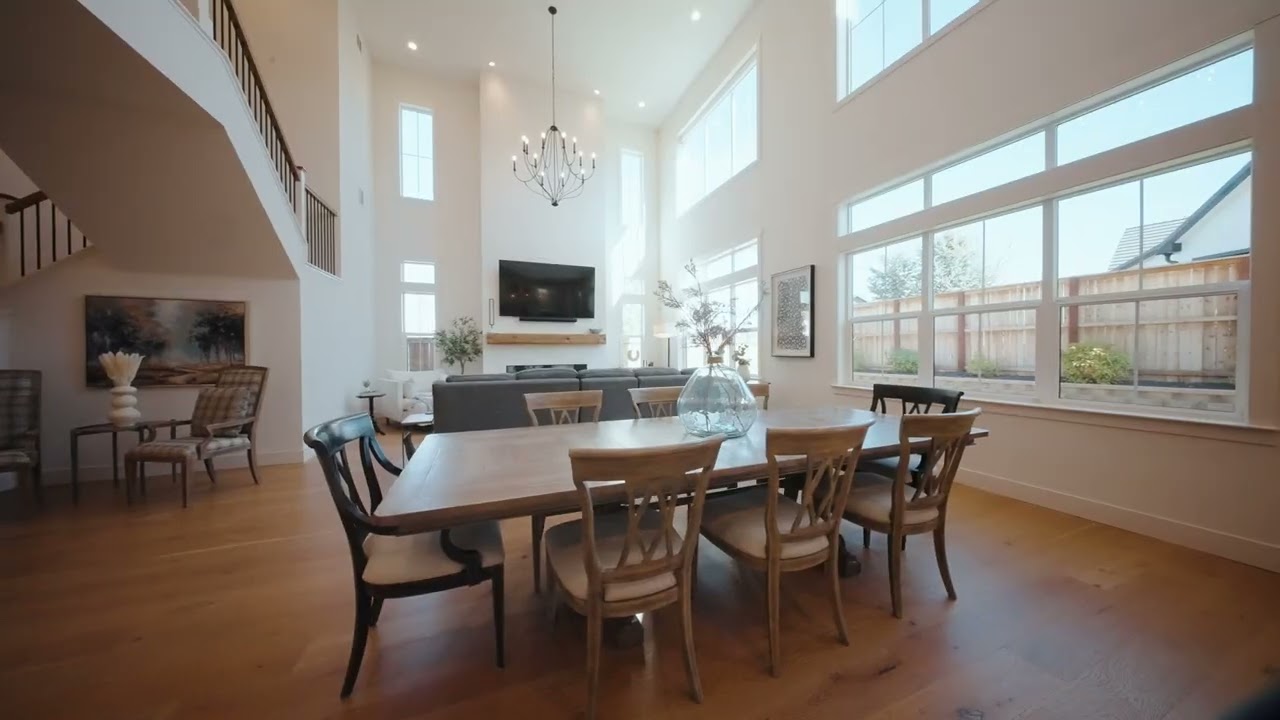
We deliver real estate video edits in 24–36 hours by running every listing through the same six steps, in one editing tool, with each client's branding already set up. The speed doesn't come from skipping steps; it comes from removing the waiting and guesswork that usually stretch an edit across a week.
Here's what happens between your upload and the finished video, and what you can do to get it back even sooner.
The six steps of a listing edit
How long each step takes depends on the footage and the package, but every video goes through all six.
1. Footage and brief check
Before any cutting, we open every clip, confirm it plays, note the camera and picture profile, and read the brief: package, length, must-show rooms, versions and go-live date. If something is missing (a room the brief mentions that nobody filmed, a logo file, a contact detail) we ask right away. A question at this point costs minutes; the same gap found at the end costs a revision.
2. Organizing and selects
Footage gets sorted by room and by source: main camera, gimbal, drone and any agent-on-camera clips. Then we pick the best take of each camera move and flag the clips recorded at high frame rates for slow motion. By the end of this step, building the edit is closer to arranging than searching.
3. Assembly and pacing
The first cut follows the way a buyer would walk through the home, so viewers always know where they are. Cuts land on the music, and speed ramps smooth out the longer moves: up to 4 simple ramps in Basic, up to 12 in Advanced, and fully curved slow–fast–slow ramps in High-End. High-End edits can also rearrange scenes for a stronger story instead of following the floor plan.
4. Color
We balance each clip, match the rooms to each other and to the drone footage, then apply the look for the package: basic correction in Basic, cast removal and room-to-room consistency in Advanced, and a full grade in High-End. Each stage is explained in Real Estate Video Color Grading: What It Fixes and Why.
5. Sound, branding and text
Every package uses licensed music. Advanced adds subtle sound effects such as doors, footsteps and a breeze; High-End gets layered ambience timed to the music. Branded intros, outros and on-screen info (logo, contact card, room sizes, location) are built from your existing template.
6. Final check and export
Before delivery, we watch the whole video on a phone and on a large screen, check every name, number and room label against the brief, and export the versions you asked for.
Why we edit everything in Final Cut Pro
Every Nestrova edit is cut in Final Cut Pro. Using one tool for every job means a client's titles, branding and templates behave the same way on their tenth listing as on their first, and no time goes into moving projects between programs. Three features matter most for a fast turnaround:
- Smooth playback with heavy footage. 4K drone and gimbal files can be slow to scrub through. Final Cut Pro can create optimized media in Apple ProRes 422, which Apple says improves editing performance and shortens render times, or much smaller proxy files when storage is tight (Apple).
- A timeline that keeps itself tidy. In the magnetic timeline, moving the pool shot earlier or trimming a hallway closes the gap automatically, and connected clips move along with it. A note like "can the kitchen come first?" takes seconds, not a rebuild.
- Branding you change once. Intros and outros can live in compound clips, and edits to the parent compound clip flow through to every copy of it (Apple). A new phone number or logo doesn't mean editing each video by hand.
The time zone works in your favor
We're in Hanoi, at GMT+7. While the US is on daylight saving time, that's 11 hours ahead of New York and 14 hours ahead of Los Angeles; London is 6 or 7 hours behind us, depending on the season. Footage uploaded at the end of a US workday reaches us around the start of ours.
How to get your video back faster
Most delays happen between the steps, not inside them. You can close most of those gaps yourself:
- Upload everything in one go, organized by property and source. Our guide to what to send your editor has a full checklist and a brief template.
- Include the brief and your brand assets with the footage, so step 1 ends without open questions.
- Tell us your go-live date, so the deadline is clear from the start.
- Send one consolidated list of notes, with timestamps, if you'd like changes.
Ready when you are
Have a listing coming up? See finished examples in our portfolio, compare the packages, then send us the details. We reply within 24 hours.
Sources
- Apple Support, "Create optimized and proxy files in Final Cut Pro for Mac." https://support.apple.com/guide/final-cut-pro/create-optimized-and-proxy-files-verb8e5f6fd/mac
- Apple Support, "Intro to compound clips in Final Cut Pro for Mac." https://support.apple.com/guide/final-cut-pro/intro-to-compound-clips-verbbd3496b/mac
