
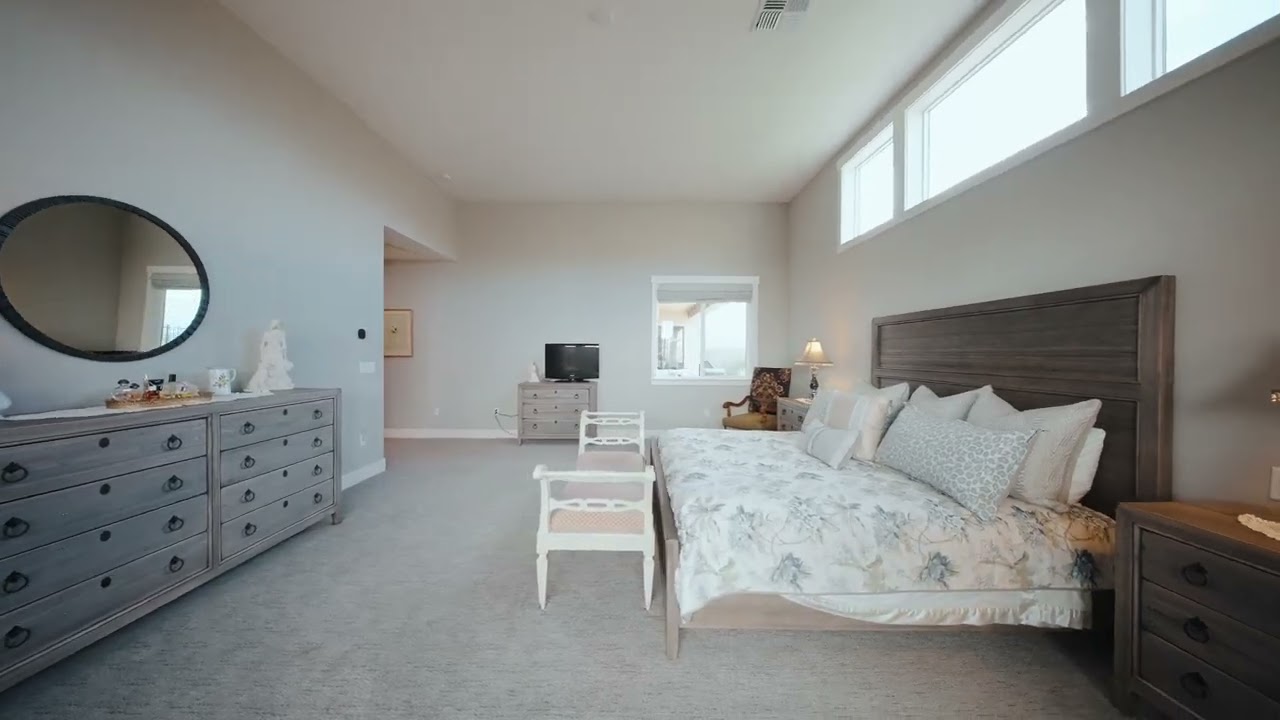
To outsource real estate video editing, choose an editor whose finished listing videos look like the ones you want to market with, then send them three things: organized raw footage, a short written brief, and your brand assets. Get those three right and turnaround, revisions and delivery mostly take care of themselves.
This guide is for listing agents who hire a videographer, and for photographers and videographers who want to hand off the edit.
Why agents and photographers outsource the edit
Editing is where one shoot day quietly becomes two. Sorting clips, matching drone and ground footage, timing cuts to music and exporting several versions can take longer than filming. Handing that off frees you to shoot more properties — the core case Photography for Real Estate (PFRE) makes for outsourcing post-production. PFRE adds that an editor who works with you regularly learns your style, so results get more consistent over time.
Quality also matters to the people watching. In a Rocket Mortgage survey of more than 800 home buyers, reported by the National Association of REALTORS® in 2022, photo or video quality was the most-cited ingredient of a good virtual showing (58%), and pre-recorded tours left buyers more satisfied than live virtual tours. A clean, well-paced edit is a big part of that quality.
Step 1: Choose the right editor
Judge finished listing videos, not effect reels
A showreel packed with whip pans tells you very little. Ask for two or three complete listing videos, ideally one modest home and one high-end property, and look for:
- Window views that aren't blown out, and white walls that stay white from room to room
- Cuts that follow the layout of the home, so viewers never feel lost
- Music that suits the property instead of competing with it
- Text and branding that are easy to read on a phone
You can see how we handle each of these in our portfolio.
Ask these questions before the first job
- Turnaround: How many hours, and when does the clock start — at upload, or once the brief is complete?
- Revisions: How many rounds are included, and how quickly do they come back?
- Files: Which formats and resolutions do you accept, and what exactly do you deliver?
- Music: Is it licensed, and on which platforms can I post it?
- Versions: Can you deliver an unbranded cut for the MLS and a vertical cut for social media?
- Ownership: Who owns the finished video, and will it appear in your portfolio?
Get the answers in writing. They become the ground rules for every job that follows.
Start with one listing
Send one typical property before committing a month of shoots. A single job shows how the editor communicates and handles notes — something no portfolio can show.
Step 2: What to send your editor
Raw footage, organized
- One folder per property, named with the address or listing ID.
- Subfolders by source: main camera, gimbal, drone and any agent-on-camera clips. Drone and ground footage usually need different color work, so keeping them apart saves sorting time.
- Original camera files. Don't re-export, compress or screen-record clips before uploading; every re-encode costs quality. Final Cut Pro, for example, reads H.264, HEVC and the Apple ProRes family natively, while formats such as REDCODE RAW need the camera maker's plug-in (Apple). Check with your editor before sending anything unusual.
- Picture profile notes. If you shot in a log profile, name the camera and profile so the footage is converted correctly instead of guessed at.
- Slow-motion clips flagged. Smooth slow motion and speed ramps depend on footage recorded above the standard 30 fps (Apple). Tell your editor which shots you filmed at 60 or 120 fps and what you had in mind for them.
- Separate audio. If the agent speaks on camera and you used an external recorder, include those files and note which clip each one belongs to.
A short written brief
Five minutes on a brief prevents most revision rounds. Save something like this as a text file in the property folder:
Property:        123 Example St, City — 4 bed / 3 bath, listing ID
Package:         Basic / Advanced / High-End
Length:          e.g. 60–90 seconds (plus a 30-second social cut?)
Aspect ratios:   16:9 for MLS / YouTube, 9:16 for Reels / TikTok
Must-show:       kitchen island, primary suite, pool at dusk (in this order)
Hide or skip:    neighbor's car in clip 014, unfinished garage
Music mood:      calm and warm / upbeat / cinematic (reference link)
On-screen text:  beds/baths, room sizes, address, agent contact
Versions:        branded + unbranded (MLS)
Go-live date:    when the listing publishes
Brand assets
- Logo as a transparent PNG or vector file
- Brand fonts and color codes
- Agent or company contact card
- Any existing intro and outro template you want reused
Send these once. A good editor keeps them on file for every future job.
One or two reference videos
A link to a video you like, with timestamps ("this pacing from 0:20 to 0:45"), communicates style faster than any adjective.
Step 3: Ask for the versions you'll actually post
Branded and unbranded
Many MLSs restrict branding in virtual tours, and listing videos often fall under the same rules. Michigan's Realcomp, for instance, says that "all virtual tours must be unbranded to be displayed in the MLS" (Realcomp). NorthstarMLS in Minnesota bans branding and live links in tours, allowing only a small tour-company logo (NorthstarMLS). Rules differ from one MLS to the next, so check yours, then ask for two cuts from the same edit: a branded one for your website and social channels, and a clean one for the MLS.
The right format for each platform
- YouTube and your website: YouTube recommends an MP4 file with H.264 video, uploaded at the same frame rate it was recorded at (YouTube Help).
- Instagram Reels: Instagram accepts reels anywhere from 1.91:1 to 9:16 and recommends at least 30 fps and 720 pixels (Instagram Help Center). A full-screen vertical cut needs framing room, so tell your editor — and whoever is filming — before the shoot if you want one.
Step 4: Give feedback that gets fixed in one round
- Collect everyone's notes first. Agent, seller and photographer should agree before you send one consolidated list.
- Use timestamps. "0:42 — trim the hallway shot by a second" works far better than "the middle feels slow."
- Separate must-fix from nice-to-have, and put factual items such as room labels, prices and contact details at the top.
- Watch on a phone as well as a laptop, since that's where social cuts get seen.
Outsourcing your edit to Nestrova Media
Nestrova Media is a post-production studio for real estate video. Here's what to expect when you send us a listing:
- We only edit. We don't film or photograph properties: you or your videographer shoot, and we cut, color and finish.
- Remote, worldwide. We work from Hanoi (GMT+7) with clients around the world, so our working day overlaps evening and night in North America and Europe.
- 24–36 hour delivery on every package. Here's what happens in those hours.
- Edited in Final Cut Pro, with licensed music in every package.
- Your branding. Intros, outros and on-screen info are built from your existing template.
Have questions from Step 1, about file transfer, formats, revisions or versions? Send them with your first message and we'll answer within 24 hours, before you upload a single clip.
Which package fits your listing?
| Basic | Advanced | High-End | |
|---|---|---|---|
| Best for | Simple listings | Most properties | Luxury and premium homes |
| Color | Basic correction | Advanced, color casts removed | Professional grading with LUTs |
| Transitions | Fades and cuts | Slides, crossfades, simple zooms | Custom motion matched to the music |
| Day-to-night & agent disappear | — | 2 transitions | Up to 5 |
| Speed ramps | Up to 4 simple ramps | Up to 12 smooth ramps | Advanced slow–fast–slow curves |
| Sound | Licensed music, basic sync | Plus subtle sound effects | Layered sound design |
| Branded info | Up to 3 items | Full set | Full set |
Every package includes a branded intro and outro. Compare everything that's included on our services page, and ask us for a quote on your listing.
Ready to send your first listing?
Tell us about the property and your deadline on our contact page, and we'll reply within 24 hours. Not sure which package fits? Browse the portfolio, compare the packages, then start with a single listing and see how the workflow feels.
Sources
- National Association of REALTORS®, "Virtual Tours Gain Ground With Buyers" (Feb 10, 2022) — Rocket Mortgage survey of 800+ buyers. https://www.nar.realtor/news/real-estate-news/virtual-tours-gain-ground-with-buyers
- Photography for Real Estate (PFRE), "Save Time & Money Outsourcing Real Estate Photo Editing" (Mar 24, 2023). https://photographyforrealestate.net/save-time-money-outsourcing-real-estate-photo-editing/
- Apple Support, "Media formats supported in Final Cut Pro for Mac." https://support.apple.com/guide/final-cut-pro/ver2833f855/mac
- Apple Support, "Play back slow-motion clips in Final Cut Pro for Mac." https://support.apple.com/guide/final-cut-pro/play-back-slow-motion-clips-ver5daf09b7a/mac
- Realcomp, "Matterport Tours – Important Update" (Feb 2026). https://www.realcomp.com/News-Events/Feature-2026/February-2026/-Matterport-Tours-Important-Update
- NorthstarMLS, "Got Media?" (Jul 3, 2025). https://northstarmls.com/insights/got-media
- YouTube Help, "YouTube recommended upload encoding settings." https://support.google.com/youtube/answer/1722171?hl=en
- Instagram Help Center, "Reel size & aspect ratios on Instagram." https://help.instagram.com/1038071743007909/
